Things to Know About the Latest User-Friendly Printers for Small to Medium Sized Offices
What Makes Today's Office Printers Different
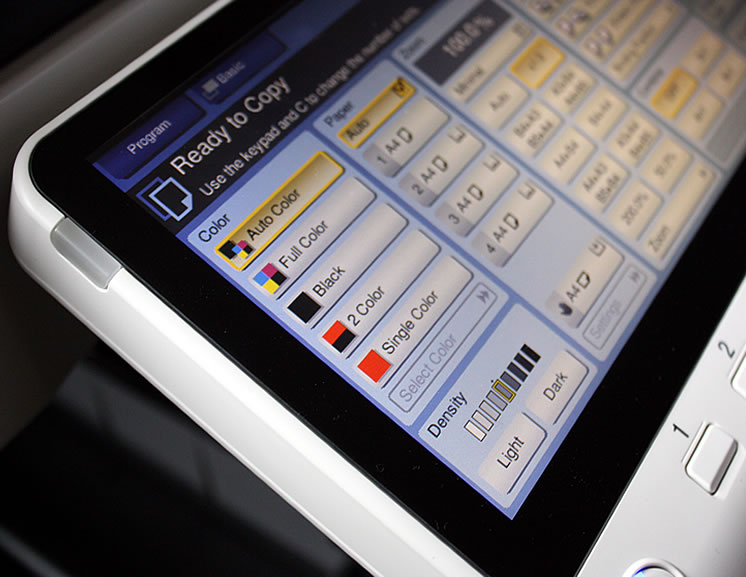
The printer market has shifted dramatically over the past few years. Manufacturers now prioritise simplicity alongside performance, recognising that small to medium-sized businesses need devices that work straight out of the box without needing a dedicated IT team.
If your office is still relying on equipment that’s five or more years old, you’re likely missing out on features that will genuinely save you both time and money. The newest models are designed with the end user in mind, often needing little training for team members who aren’t especially tech-savvy.
Cloud Integration and Mobile Printing
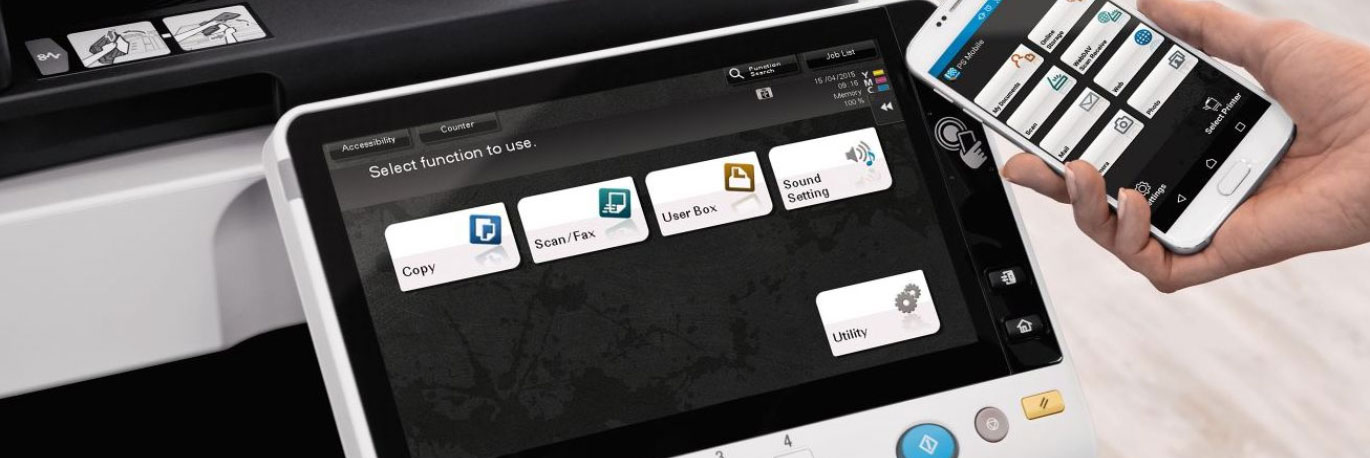
One of the most notable improvements in recent photocopier technology is seamless cloud integration. Staff are now able to print directly from Google Drive, Dropbox, OneDrive and other platforms without first downloading files to a desktop. This flexibility is particularly helpful for hybrid teams who split their time between the office and remote locations.
Mobile printing apps from major manufacturers allow employees to send documents from smartphones and tablets with just a few taps. Some advanced models even support email-to-print, where you can simply attach a document to an email and send it to the printer’s unique address. These capabilities eliminate the old frustrations of transferring files via USB sticks or pestering colleagues to print on your behalf.
Security Features Built In
Security is no longer an afterthought. The latest user-friendly printers include several layers of protection to safeguard sensitive information:
- Secure print release, which holds documents in a queue until the user authenticates at the device with a PIN or swipe card
- Automatic data encryption for documents stored temporarily on the printer’s hard drive
- User authentication and access controls to track who printed what and when
- Network security protocols that prevent unauthorised access to the device
These features protect client data and proprietary information without adding complexity to everyday printing tasks.

Maintenance Alerts and Consumables Management
Modern photocopiers monitor themselves. They track toner levels, drum life and any potential mechanical issues, they will send alerts before problems can become critical. Some models will automatically order replacement toner through the manufacturer or supplier when stocks run low, ensuring that you never face an urgent print job with an empty cartridge.
This approach reduces the administrative burden on office managers and keeps equipment running smoothly with minimal intervention.
Energy Efficiency and Sustainability
Today’s printers use a lot less power than older models, often having sleep modes that activate within seconds of inactivity. Many devices also support automatic duplex printing as standard, cutting paper consumption in half for most jobs. Manufacturers increasingly offer toner cartridge recycling programmes and use recycled materials in construction.
Here at Office Copiers, we help businesses across the UK find photocopiers and printers that match their workflow, budget and growth plans. Whether you’re considering a lease or an outright purchase, the latest user-friendly models deliver improvements in productivity and ease of use. Get in touch with our team to discuss which features matter most for your office.